
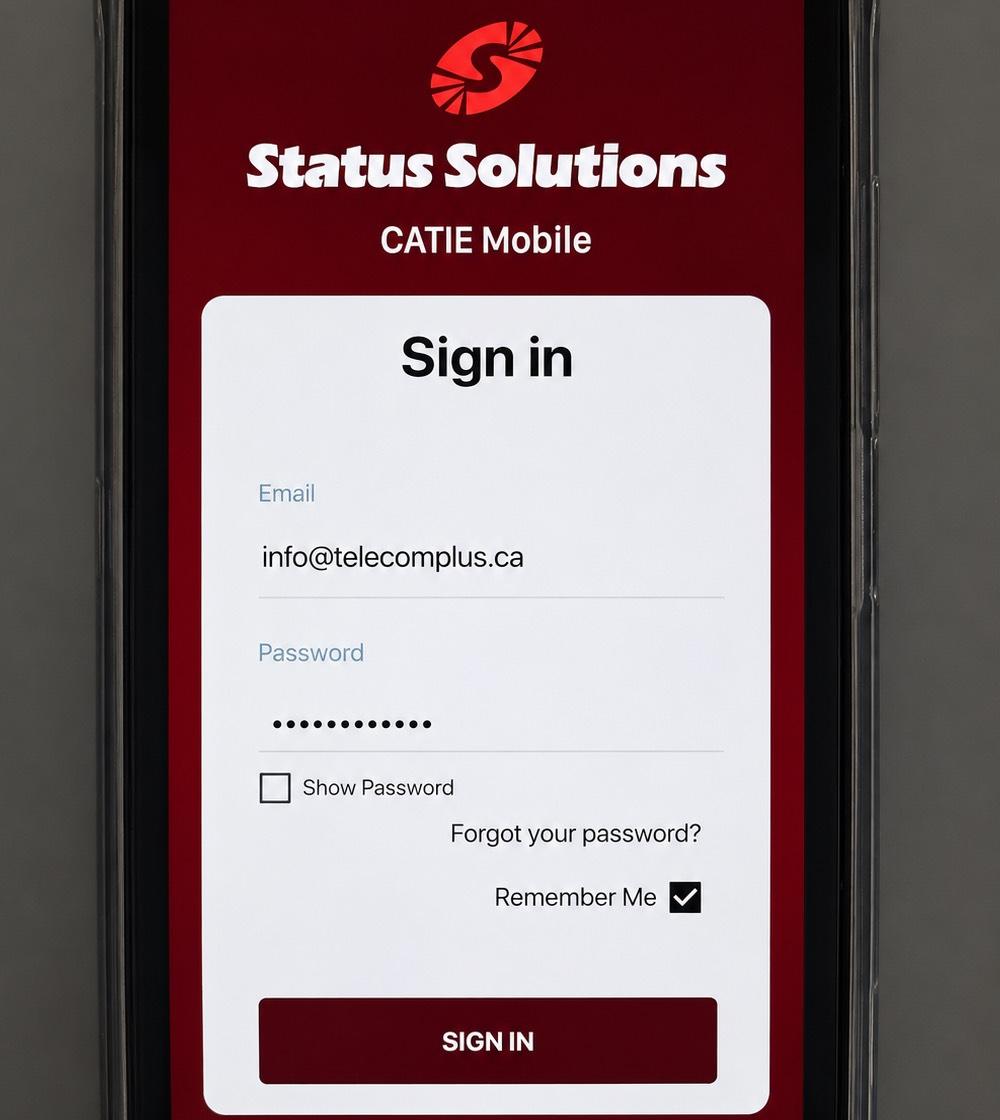
SARA Integration
Status Solutions’ SARA platform can bring alerts from compatible nurse call, security and environmental systems into a shared notification workflow.
Customer support · 604-696-3828
Nurse call, school notifications and paging systems that help staff know when and where assistance is needed. We plan the devices, connections and alert routing around your site.
Safety systems
A call button is only the start. We connect supported devices to the people responsible for responding, with alert details and delivery methods agreed during planning.
System integration
An alert needs to tell staff what happened, where it happened and what to do next. We configure supported integrations and delivery routes around your response procedures.
Status Solutions’ SARA platform can bring alerts from compatible nurse call, security and environmental systems into a shared notification workflow.
Define which staff or teams receive each alert and which supported devices deliver it. Escalation options depend on the platform and configuration.
Connect compatible telephone and paging systems, with announcement zones and automated messages configured for the site.
Service agreements for supported installations, including 24/7 support options. Coverage, response commitments and maintenance responsibilities are agreed in advance.
Site planning
We start with the events your team needs to know about and who responds. Then we assess device locations, coverage, existing equipment and the network and power the system depends on.
How We Work
A communication system should be planned around the site, introduced carefully and supported after it goes live. Our process connects each stage so your team knows what happens next.
Getting Started
Tell us about your organization, current systems and what you need to improve. Whether you’re upgrading equipment, moving locations or resolving an issue, this conversation helps us understand your priorities and identify the next step.

Step 01 of 06
Practical answers
Existing equipment, alert delivery and support after installation.
Possibly. We check the make, model, software and available interfaces before confirming integration. Some installations can retain existing call points; others need interface equipment or replacement devices.
Delivery options depend on the platform and connected equipment. We confirm the supported phones, displays, paging or other endpoints, then test the agreed routes with your team.
These devices alert staff to events such as a person leaving a bed or chair, depending on the sensor. They support staff response and care procedures; they do not guarantee that a fall will be prevented.
Operation depends on the devices, connections and backup power in the installed system. We assess these dependencies and agree on continuity arrangements and outage testing during planning.
24/7 support is available through a service agreement. The agreement defines covered equipment, support hours, response commitments and responsibilities for testing and maintenance.

Start the conversation
Tell us about your organization and what you need. We’ll help you understand your options and find the right direction.